Syncing KDE Sticky notes
Introduction
So i have a habit of planing a lot of things (especially at 3 am) but sadly after i sleep i don't remember anything. so usually i make a short to-do list before i sleep, sometimes i use notion,
sometimes when I’m on my phone i use Samsung’s notes (they have a really cool Home screen Widget ) 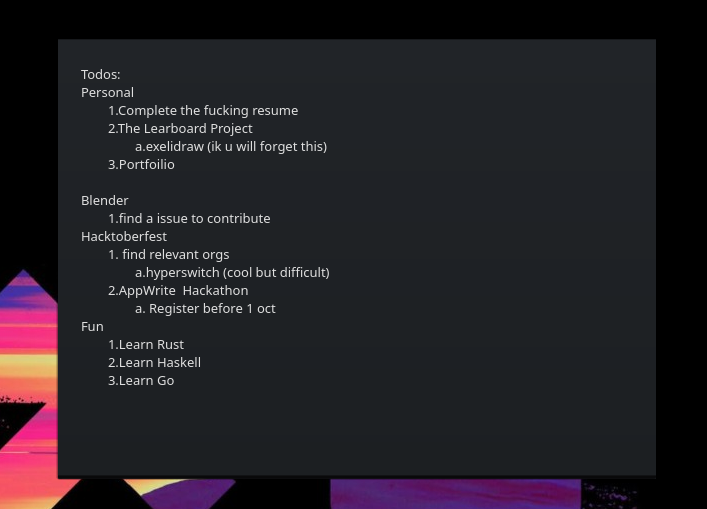
but mostly i find KDE sticky notes most minimalist and handy , they are sticking on my desktop always i don't need to open browser to write in it. but the sad part is they are not synced like notion.
Understanding KDE sticky notes
so after some searching i found out that kde sticky notes are stored in ~/.local/share/plasma_notes
these files are in html but yeah note that they dont have .html extension 😵💫
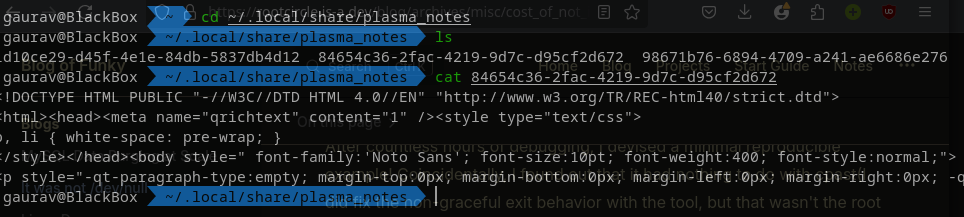
so if i managed to sync these files i will be syncing the all my sticky notes
How to sync files??
Ik this is not a difficult task but there are a ton of ways to do it.. i can write a shell script that use adb to transfer files, or i can make a server and upload these files on it and do pooling in my notes app..
and many more ways..
but from a quick lazy reddit search i found out about **SyncThing,** it was to easy to reject (now its 5am and I’m sleepy). so i downloaded SyncThing as well as their app and added a shared folder
~/.local/share/plasma_notes on my pc and /storage/emulated/0/Documents on my phone and done
whenever i start the syncthing server on my pc and my phone is in same network it syncs these files
Making Home Screen Widget for notes
so I’m not a native android developer, I use Flutter to develop Cross-Platform apps so dived into pub.dev to find a working package that can help me..
In this process i found home_widget package which was a perfect suite for me.
So i followed their docs and encountered an issue that seems no one on internet has solved
https://stackoverflow.com/questions/77170753/cant-import-dependency-in-projec
this error stuck me, i was too sleepy to solve anymore errors. while reading the working of the plugin i found out that for android they use shared_preferences to shared data with the application and home screen widget and i was like why do i need this package to send data, even i can use shared_prefs to share data 🤯.
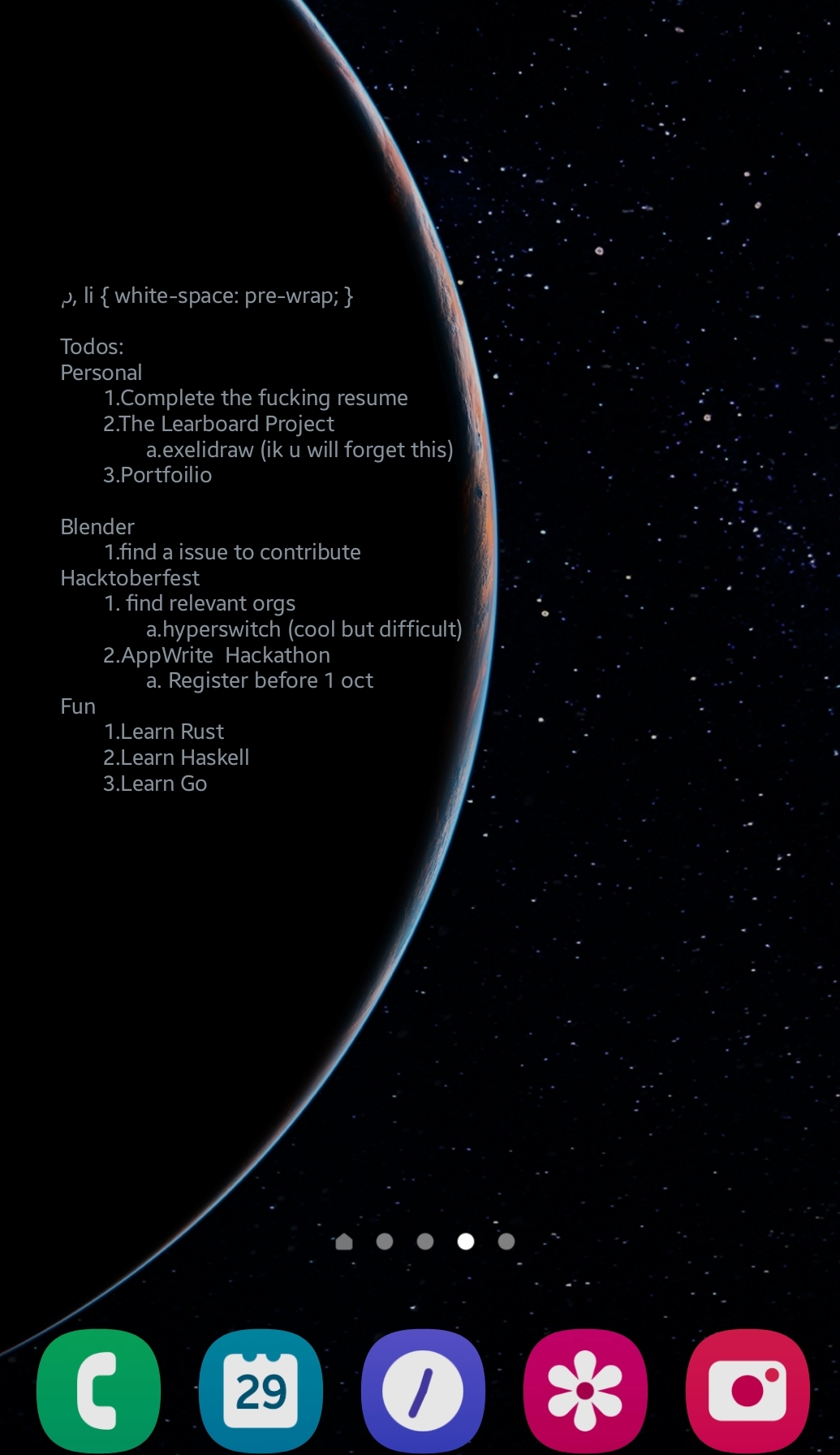
So the application basically works by collecting the text from the file and then adding it into shared_prefs, the widget then uses these prefs to show data in a textview
but remember the data/text is in html format
There’s a inbuilt function
Html.fromHtml()for this.https://developer.android.com/reference/android/text/Html.html#fromHtml(java.lang.String)
So that's sorted..
Final Touches
And that’s how I built a simple, cross-device synced sticky notes app using Flutter! Thanks to SyncThing, my notes are automatically synchronized across my PC and phone whenever they’re on the same network. The notes are read from the synced HTML files and displayed on my Android home screen widget using shared preferences and Html.fromHtml() to render the content properly.
Future Improvements (Current Issues)
While the app is functional, there are a few enhancements I plan to work on:
Automated Updates
Right now, I have to manually trigger updates through MethodChannel using platform.invokeMethod('updateWidget');. In the future, I’d like to automate the syncing and update process so that the widget refreshes automatically whenever notes are updated—without needing to open the app.
Scrollable TextView
The most important feature I want to add is making the widget's TextView scrollable. This will allow users to view longer notes directly from the home screen, which is especially useful when I have a lot of information stored in my sticky notes.
Improved UI
Currently, the widget displays raw notes in a simple text format. I'd like to enhance the design to make the widget visually appealing, perhaps with better font styling, padding, and background customization options.